🌐 中文 English
This article aims to explain Conda environments and how to obtain them.
Hey, I’m Liao Ruipeng. Today, let’s talk about Conda environments.
First Encounter with Conda
After downloading PyCharm, you often see an interface like this:
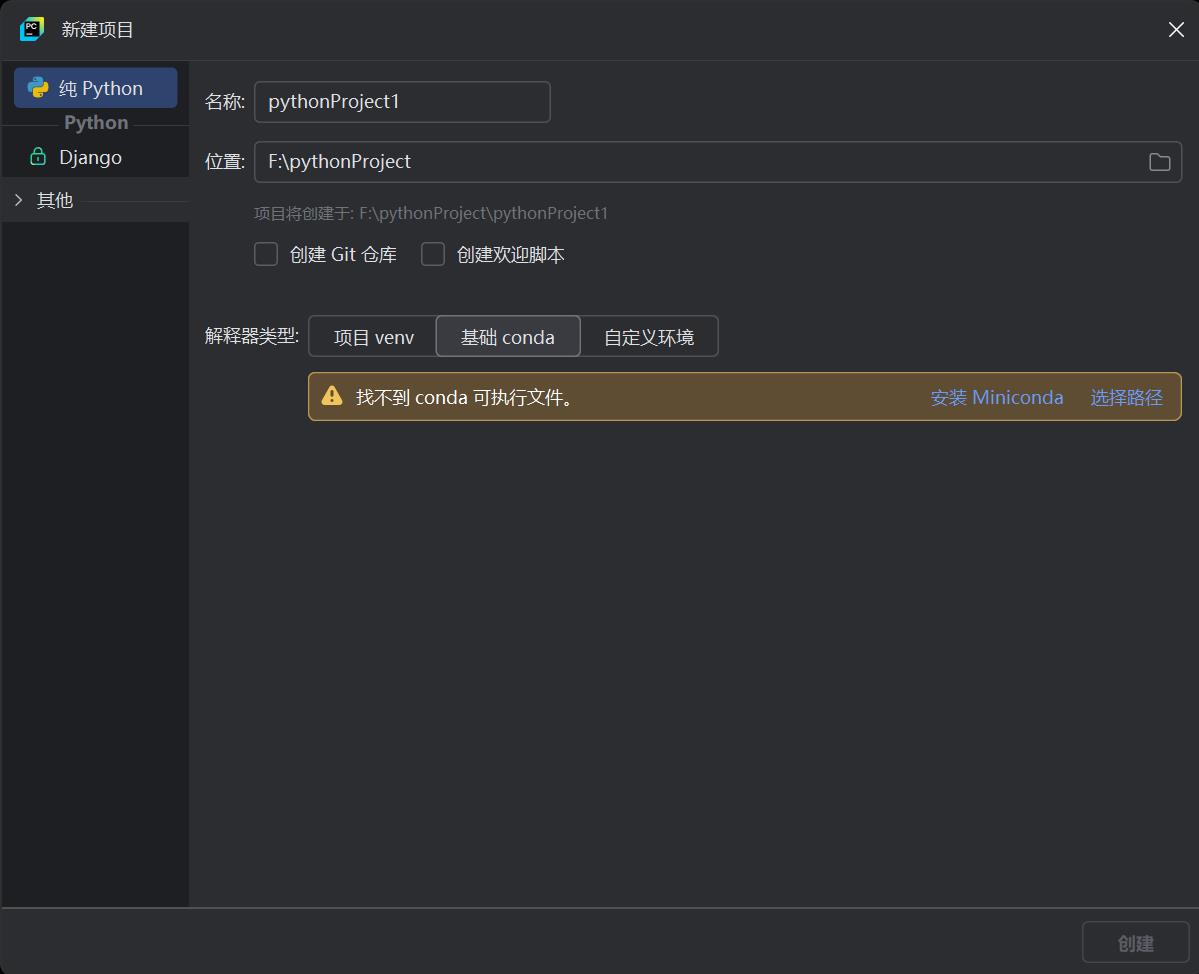 I believe this is where most people first hear about
 Conda.
What is Conda?
In simple terms: Conda is a general-purpose package manager and environment manager, originally developed by Anaconda. It can manage not only Python packages but also supports other programming languages (such as R, Julia, etc.). Therefore, Conda’s advantage lies in its ability to manage libraries, tools, and dependencies across languages, freeing developers from being limited to a single programming language.
Unlike pip, which focuses on managing Python packages, Conda aims to manage the entire development environment, including programming languages, operating system libraries, and tools. This means it not only manages Python packages and installs corresponding Python dependencies but can also install system-level dependencies and libraries for other languages (such as C++ compilers or C language libraries).
Why Install Conda?
Some might mention Conda’s important role in data analysis and machine learning, which is indeed one reason for its widespread adoption. However, besides this factor, another key advantage of Conda lies in its dependency management and handling of built-in third-party dependency files:
- Excellent Dependency Management: Conda’s package management mechanism excels at handling complex dependency relationships. When you install a software package, it automatically resolves and installs all dependencies for that package, ensuring version compatibility across all dependencies. This significantly reduces the risk of “dependency hell” (i.e., conflicts between package dependencies), which is especially important when managing multiple packages and using them in different environments.
- Built-in Third-Party Dependency Files: Unlike
pip,Condaprovides pre-compiled binary packages. This means that many packages that depend on specific system libraries (e.g., packages requiring aCcompiler) do not need additional compilation steps;Condaautomatically installs these dependency libraries. For some common third-party dependency libraries (such asnumpy,scipy,pandas, etc.),Condaoffers optimized compiled versions that can be installed directly, greatly reducing the hassle for developers to manually compile and configure environments.
(BecauseCondaincludes a large number of built-inPythonthird-party dependency libraries, it can meet the needs of most users. Unlikepip, which often requires “magic” methods to install these dependency libraries, Conda solves the frustration for those who cannot use such methods. This is also a reason I recommend it.)
How to Install Conda
After all this talk, it’s time to get to the main event. Let’s see how to install Conda.
- Download the
AnacondaInstaller First, we need to download theCondainstaller. You can download it from theAnacondaofficial website (this link directly points to the download area).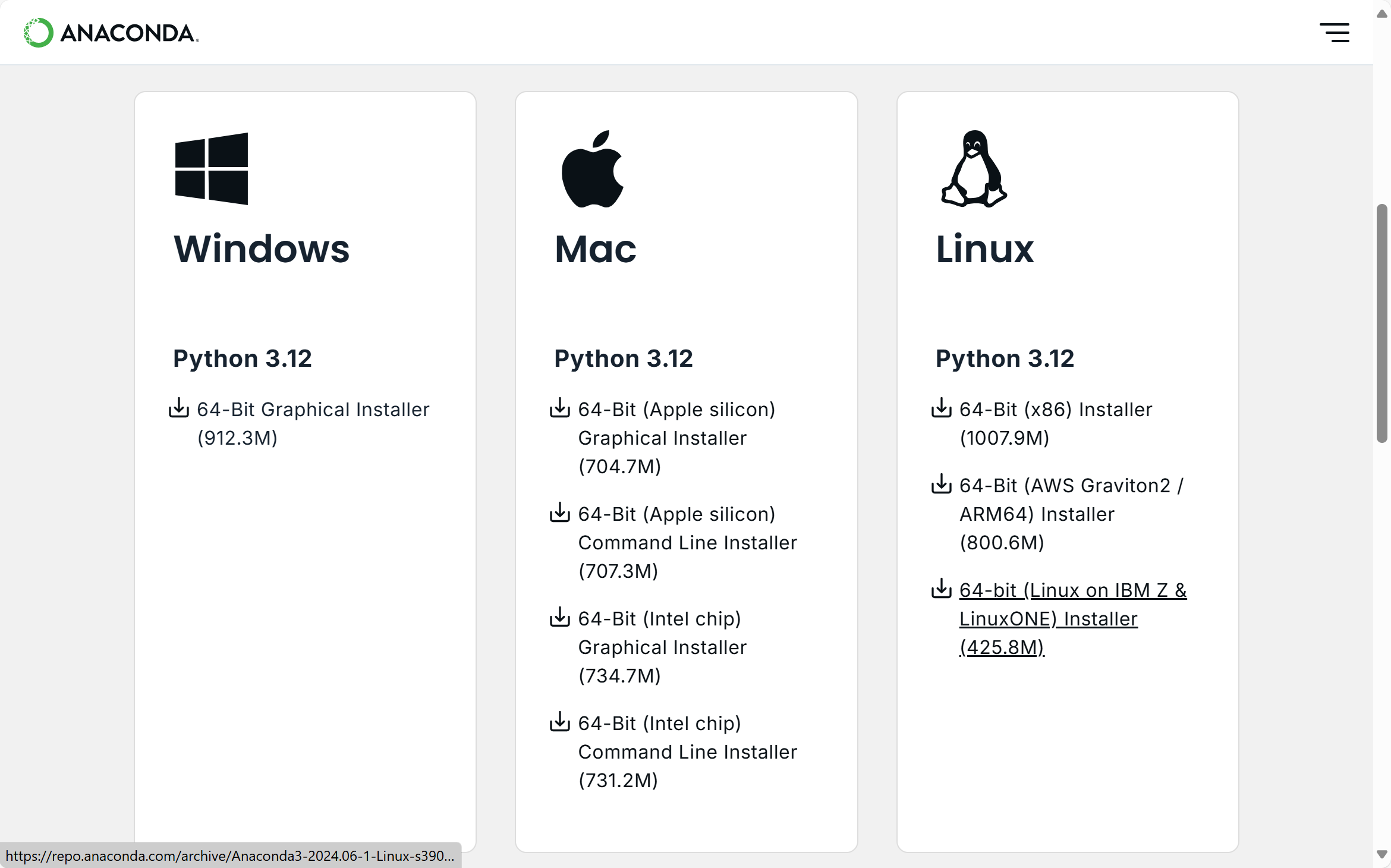 From there, select the appropriate installer for your operating system to download the
 Anacondainstaller. Since I useWindows, I choose the leftmost option. - Install
AnacondaAfter downloading the installer, we need to installAnaconda. The installation process is very simple; just follow the prompts.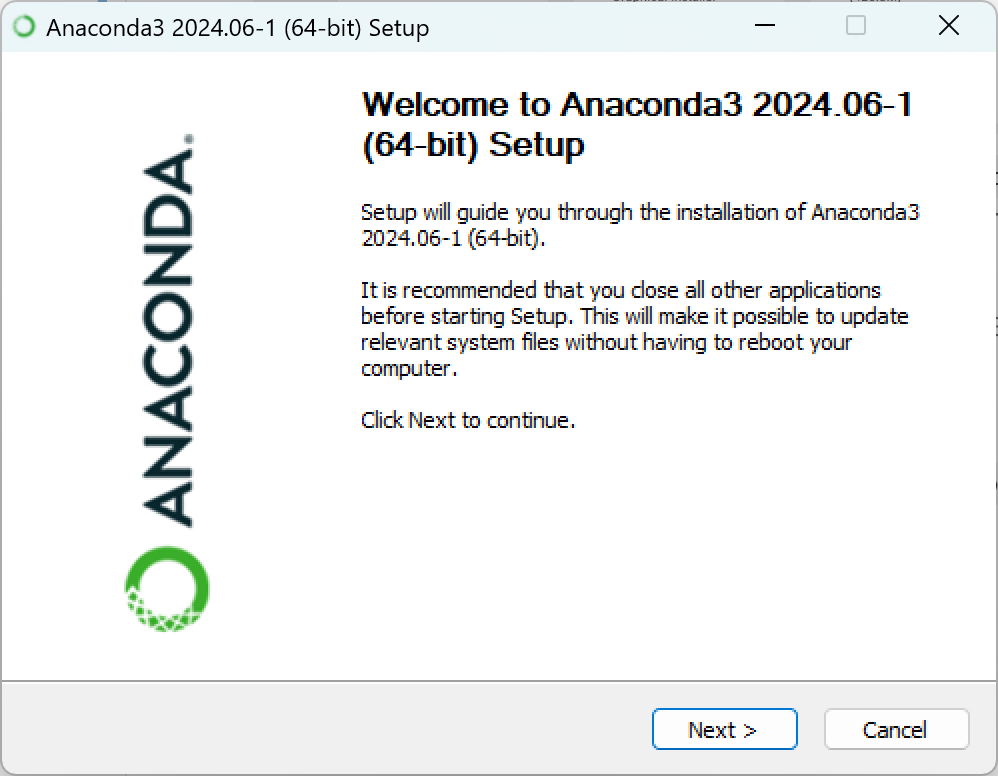
- Configure
CondaEnvironment Variables inPyCharmFirst, go to theSettingsinterface inPyCharmand click thePython Interpreteroption underProject. (There are many ways to get there; here, I’ll only explain one.)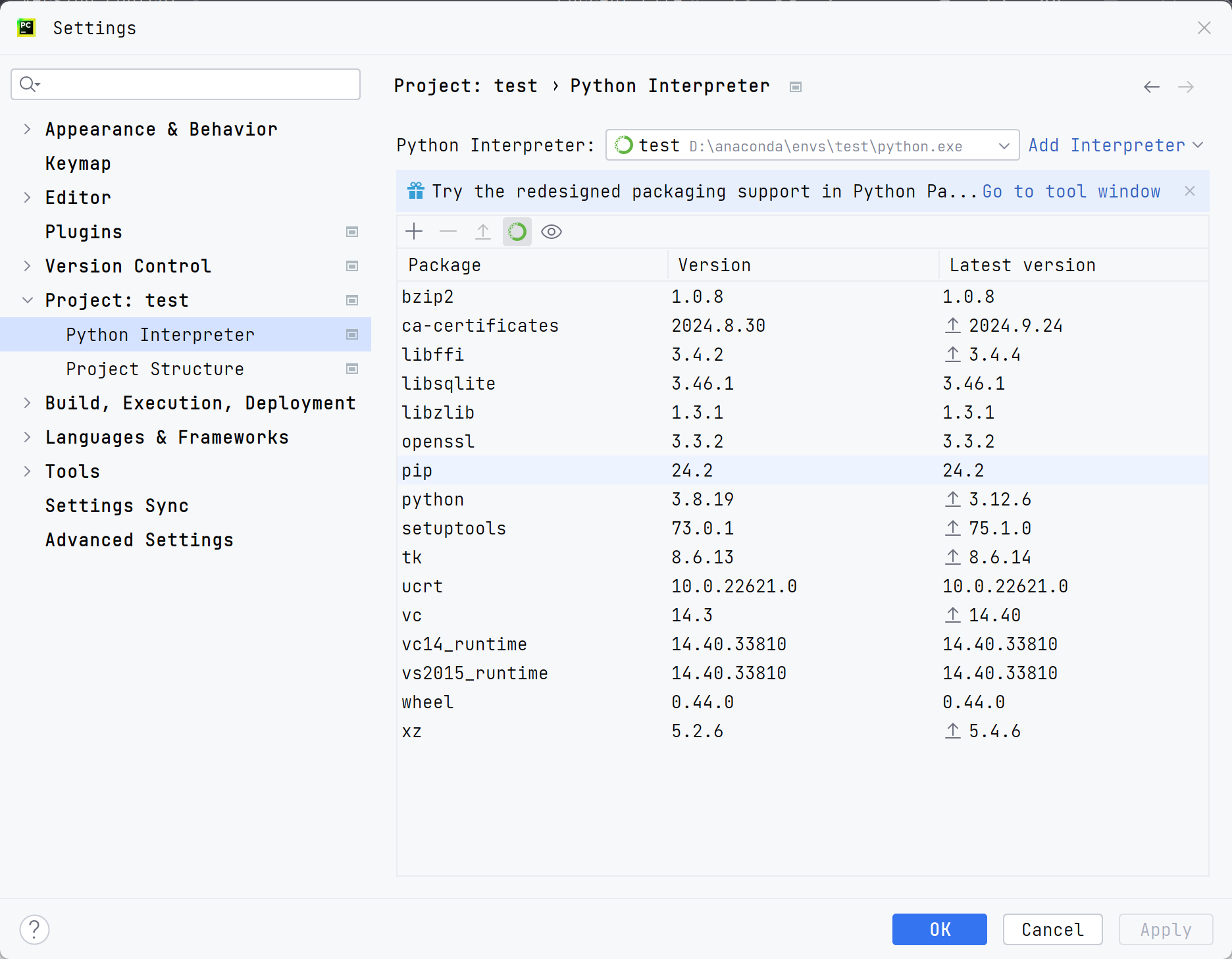 Click
Click Add Interpreter, select theConda Environmentoption, and then click the folder icon button. Find the path where you installed
 Anaconda, importconda.exe, and finally click theLoad Environmentsbutton. For example, my path is here: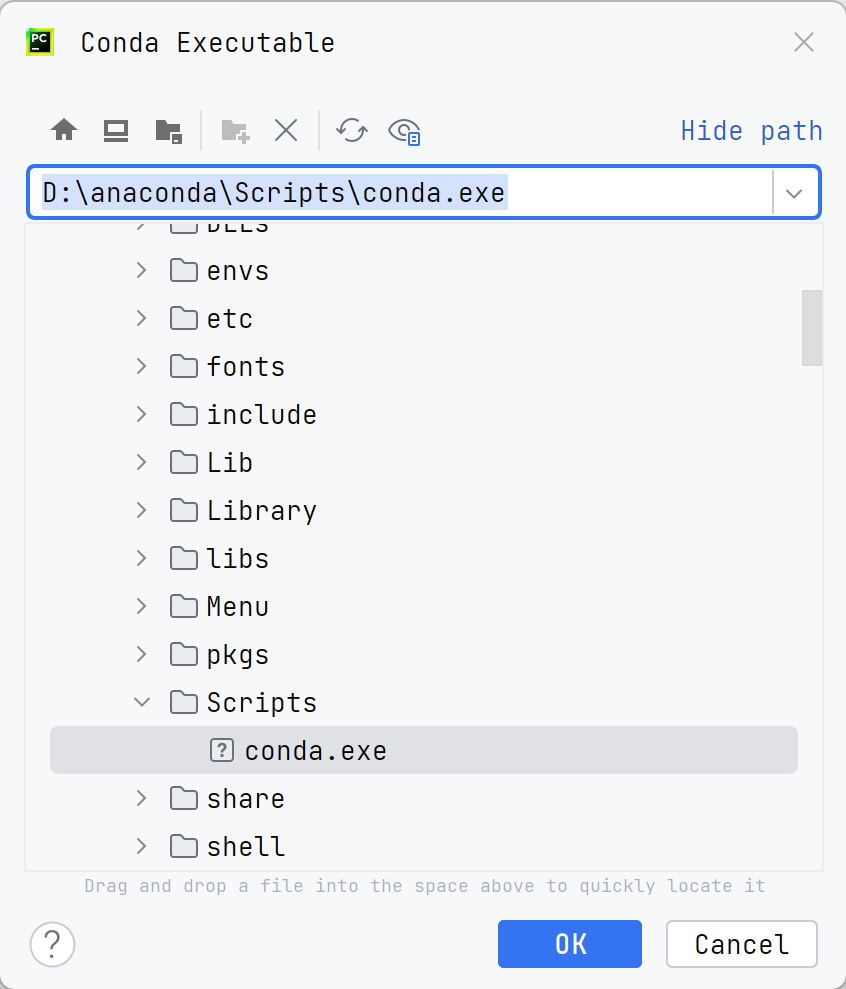
After clickingCreate New Environment, enter the environment name and its Python version, then clickOKto create a newCondaenvironment.
Summary
Conda is an excellent cross-platform package manager and environment manager that helps developers easily manage Python packages, operating system libraries, and the entire development environment. If you haven’t installed Conda yet, now is the best time to do so.
